themes.shop

A SHORT STUDIO WALKTHROUGH

A new enquiry.
A considered response.

Follow one fictional brief from the inbox to a selection of relevant work. Explore the steps here, then try the actual tools in your own editing demo.

FROM ENQUIRY TO PRESENTATION

Show the right work.
Start a better conversation.

A fictional apartment enquiry, three practical steps. Explore what Free handles and where Pro adds a useful next step.

FREE FOUNDATION · PRO FOLLOW-UPS

Understand what matters.

Free keeps the message in your private enquiry inbox. Pro can ask relevant project questions and put an owner, next action and date beside the conversation.

Your next step: read the brief, then choose what to discuss.

View the example enquiry form ↗

ILLUSTRATED EXAMPLE / FICTIONAL ENQUIRY

City apartment renovationNew enquiry
“We want a calmer home with room for books, better storage and more daylight. Where would you begin?”
Project
Interiors · Existing apartment
Priorities
Daylight, storage, everyday life
Next action · ProReview the floor plan before the first call

Changing a status does not send an email. Reply using your usual email tool.

PRO PROJECT COLLECTIONS

Give the brief a point of reference.

Select projects for their relevance to this conversation. A compact selection helps explain how your studio thinks, without sending a client through your whole portfolio.

Your next step: choose the stories that answer this enquiry.

Explore the project library ↗

ILLUSTRATED SELECTION / FICTIONAL PROJECTS
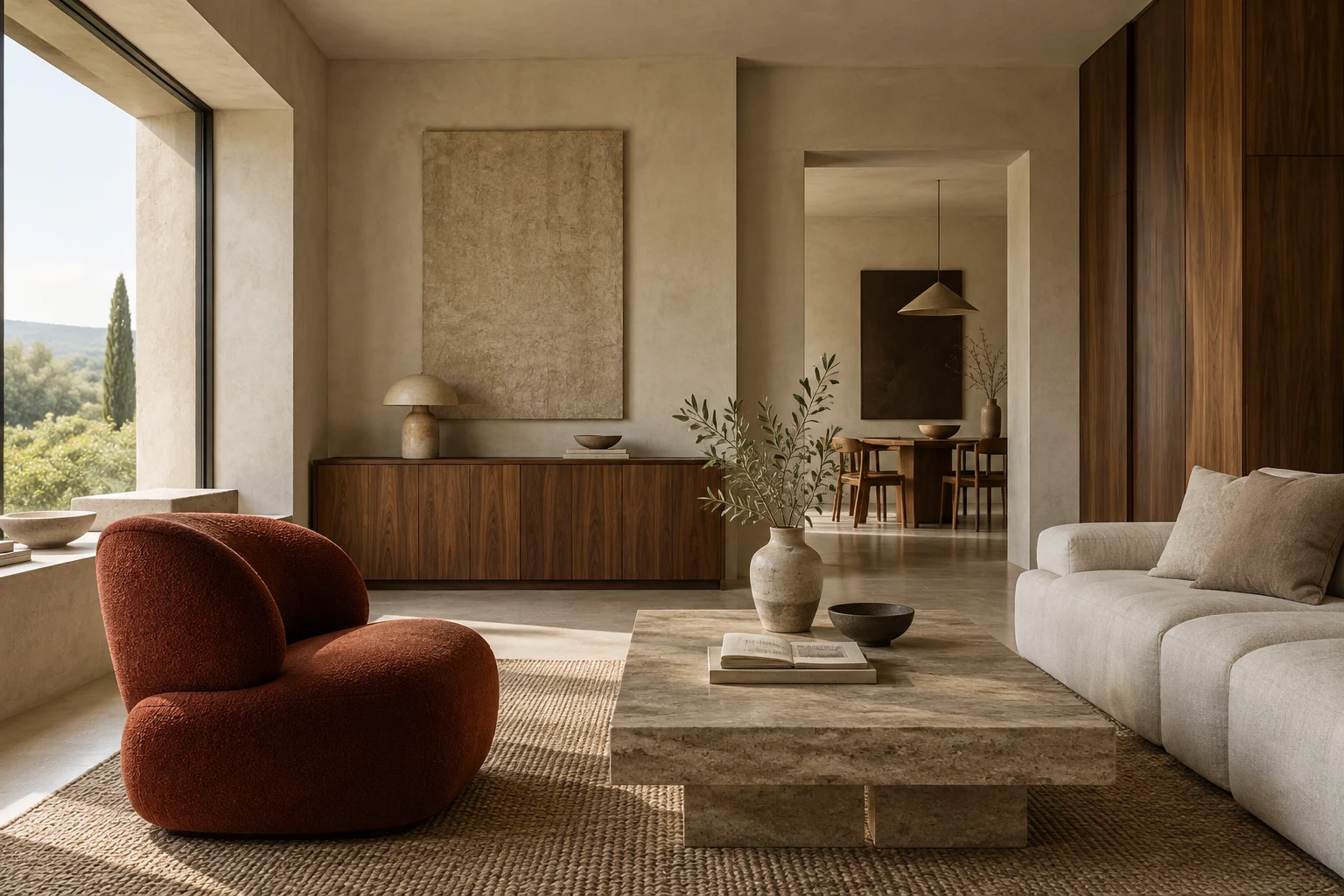
Fictional walnut interior with integrated shelving
01 / INTERIORS

Rooms for Slow Living

Built-in storage and a quieter materials palette.
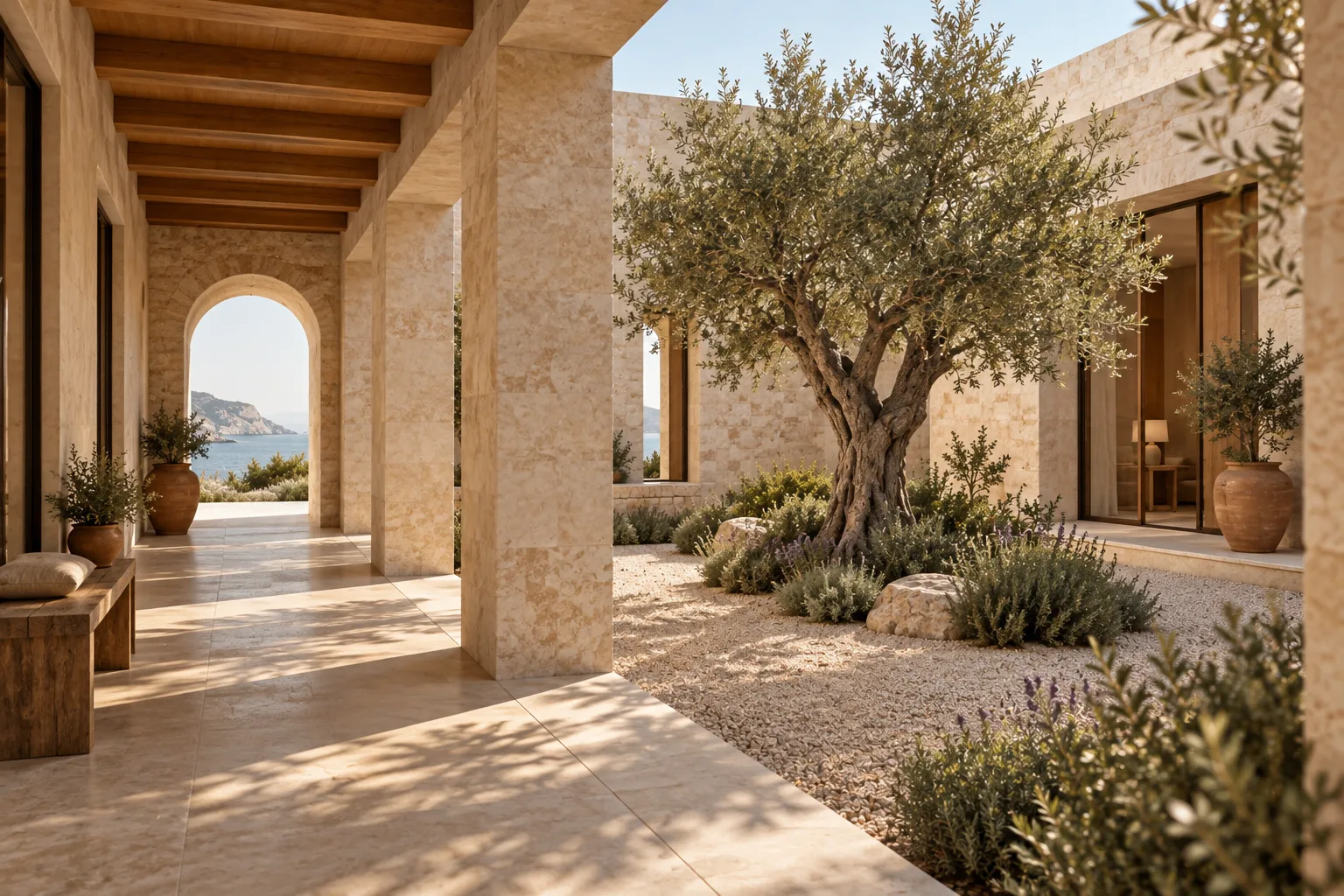
Fictional courtyard bringing daylight into a home
02 / RESIDENTIAL

The Courtyard House

A project story shaped around light and privacy.

PRO CLIENT PRESENTATIONS

Make the first conversation feel considered.

Create a private copy of selected work, review it, then share its expiring link on your own website. Later project edits do not change the copy you prepared.

Your next step: open a Pro editing demo and create a presentation yourself.

Try the Pro tools

In the temporary demo, presentation links work only in your own browser session. Recipients of a real presentation can retain downloaded copies.

ILLUSTRATED PRESENTATION / FICTIONAL CONTENT
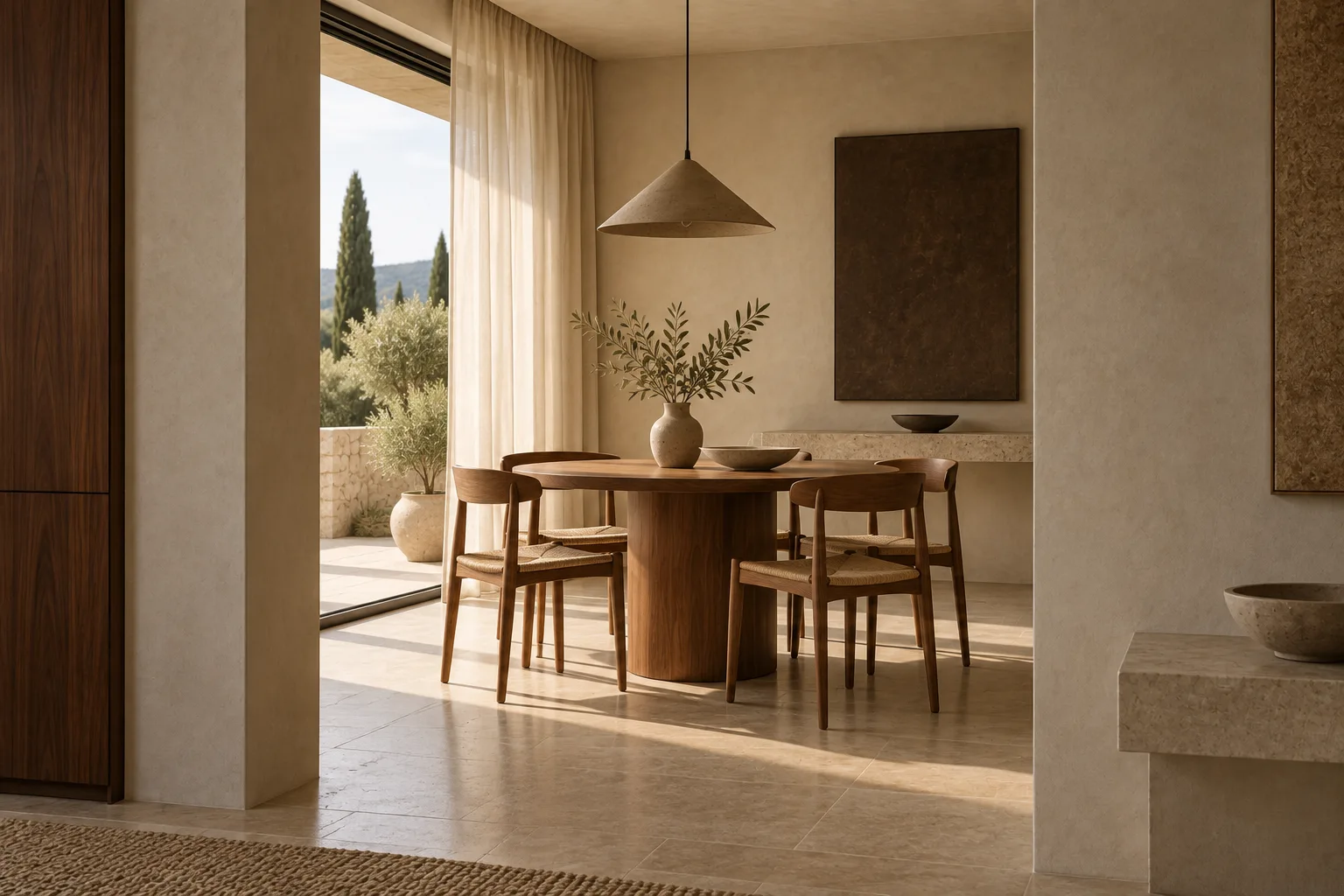
Fictional warm interior used as a presentation cover
SELECTED WORK / TWO PROJECT STORIES

A calmer place
to come home to.

Light, storage and the spaces in between.

View a public collection example ↗

An illustration of the workflow, using fictional projects and generated concept imagery. These are examples, not customer work or results. No choices are saved or sent.

See the real interface captures

These genuine captures show FORMA 1.3.0 and 1.3.1 with fictional records. Menus and setup guidance in Sovelta 1.10.0 have changed; the images retain their original version labels.

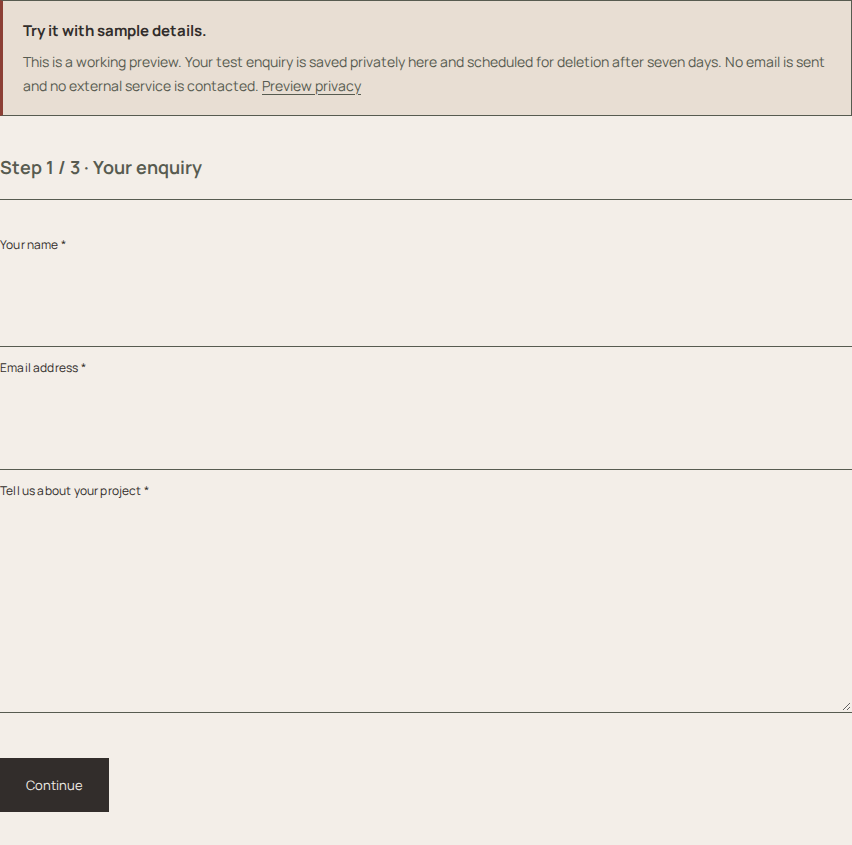
Historical FORMA 1.3.1 enquiry form with a sample-only explanation
Project questions / captured on 1.3.1.
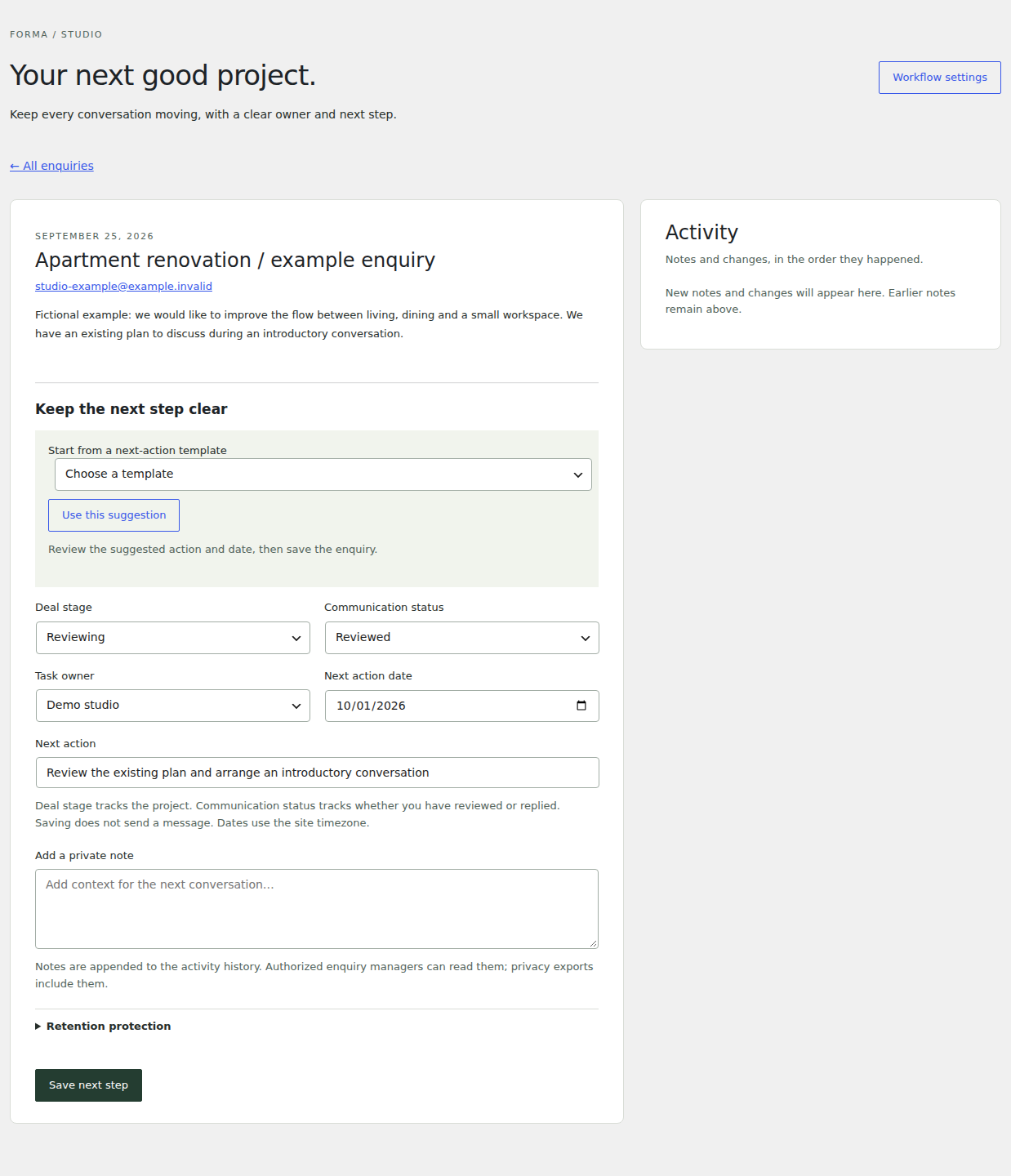
Historical FORMA 1.3.1 enquiry follow-up controls with a fictional record
Enquiry follow-up / captured on 1.3.1.
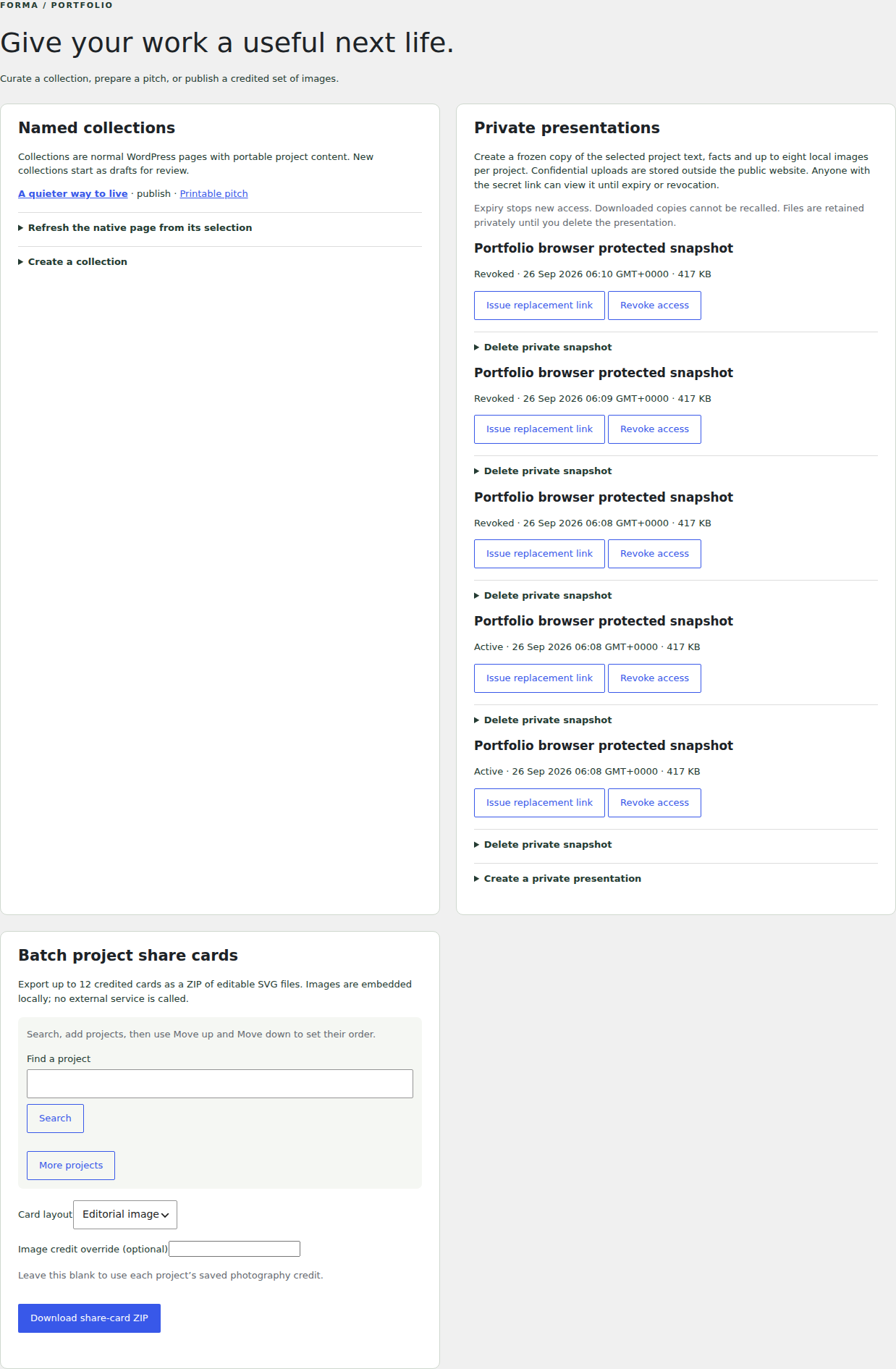
Historical FORMA 1.3.0 tools for collections and presentations
Project collections and presentations / captured on 1.3.0.

TRY IT BEFORE YOU INSTALL

One small change.
See it for yourself.

Open a private practice website. Change a sample project’s title, save it and view the result. No account or email address needed.

Free: your portfolio, design and enquiries.
Pro: more design control, follow-ups and presentations.

30-minute session · Edits deleted when it ends
No outgoing email. Use fictional details only.

Prefer to watch? View the walkthrough ↗

Preview versions. Temporary editing demos and current Free downloads use Sovelta 1.10.2. The read-only example websites remain historical FORMA 1.7.0 previews. Screenshots, recordings and the static design comparison keep their own version labels.